Model · Catalog and schemas checked September 22, 2026 · AnyCap CLI 0.6.2
Kling 3.0 API access through AnyCap
Use kling-3.0 through AnyCap for text-to-video, image-to-video, first/last-frame transitions, or structured multi-shot requests. The checked production schemas expose 3–15 second clips. Text-to-video, image-to-video, and first/last-frame list 720p, 1080p, and 4k; multi-shot lists 720p and 1080p. Image-to-video advertises up to nine images and three video references, while first and last frames use separate fields.
One five-second text-to-video trial
We submitted this prompt through AnyCap CLI 0.6.2 against the production API: An olive desk lamp on a pale studio table. Slow camera push-in, steady lighting, no text. Settings: text-to-video, 5 seconds, 720p, 16:9, generate_audio=false. The file is 1280 × 720 at 24 fps, approximately 5.04 seconds, with no audio stream. The CLI reported 13 credits for this task, not a fixed price quote.
- The output contains a green banker-style lamp and a camera push-in. The shade appears brighter green than the requested olive color.
- The base appears suspended above the tabletop in the inspected frames. This physical inconsistency makes the sample unsuitable as a realistic product shot without revision.
- The clip is retained so readers can inspect the limitation. This is one generated sample, reviewed with frames and video analysis; it does not establish repeatability or a model ranking.
Illustrative source frame
Plan an image-to-video request from one frame
This existing companion still illustrates a source-image brief. To animate it, describe one visible movement, such as a slow push-in or rain moving across the street, and review whether the subject remains consistent.
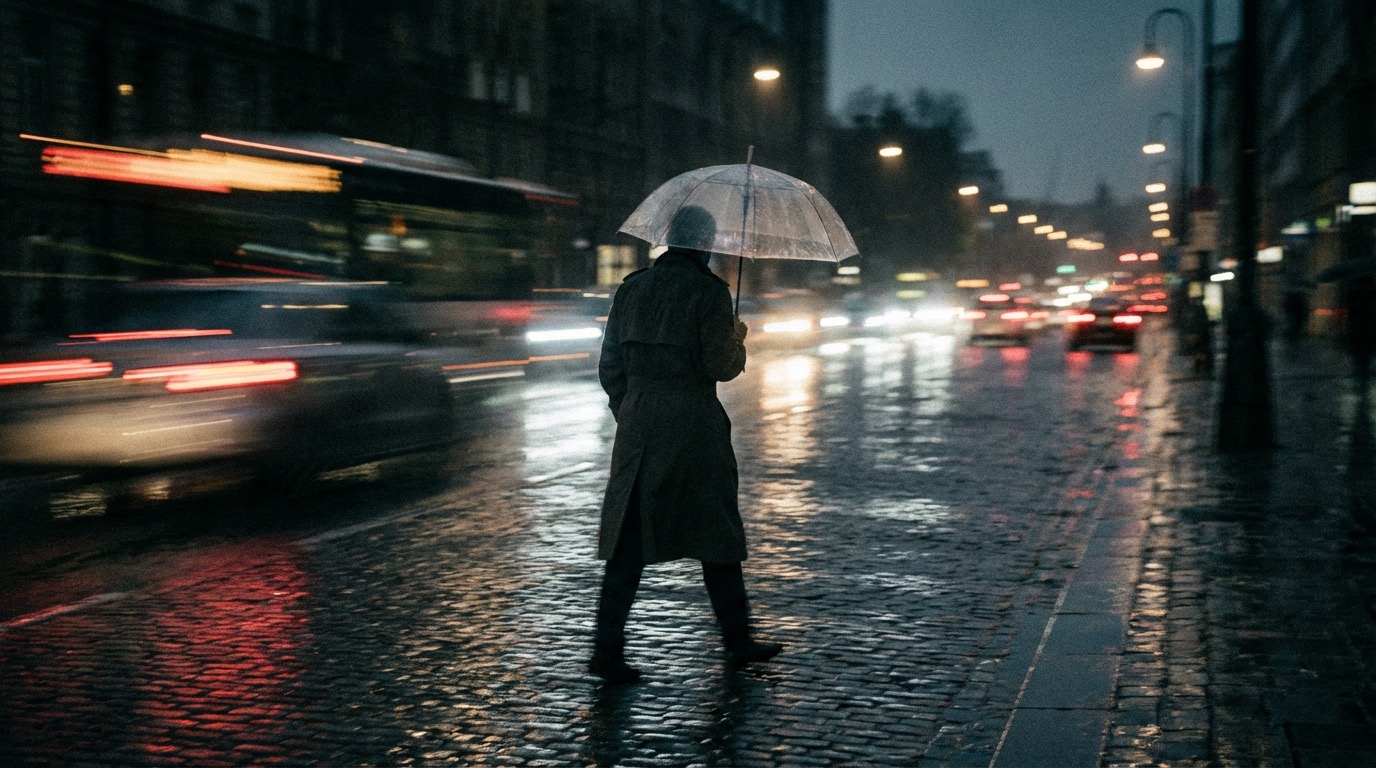
Illustrative still for planning a motion prompt. It is not a Kling 3.0 video result.
Illustrative still prompt
rain-soaked cinematic street scene at night, lone person under a transparent umbrella, reflective pavement, abstract light streaks, realistic moody still with strong motion implication, no storefront signs, no billboards, no text, no watermarkThis still does not demonstrate motion quality. A separate text-to-video trial on this page includes the actual generated clip and its observed limitations.
Start with the inputs your shot actually needs
For one product photo and one camera movement, start with image-to-video. For a transition between a specific opening and closing composition, use the named first and last frames. For a sequence with timed scenes, inspect multi-shot-video before writing the shot prompts.
These choices change the request fields. They do not guarantee subject consistency or the quality of the final clip. Keep the first trial short, inspect the output, and preserve the original task record before revising.
Choose the mode that matches your source material
- A prompt with no source media: start with text-to-video.
- One source frame and a motion brief: use image-to-video.
- A specific starting and ending image: use first-last-frame-to-video.
- Several timed scenes: use multi-shot-video and keep the shot durations within the total limit.
- Several references: inspect the current image-to-video schema and start with a small set before relying on the advertised limits.
Call Kling 3.0 through AnyCap
Inspect the exact mode before sending a reference
anycap video models kling-3.0 schema --operation generate --mode image-to-videoExample: animate your local frame
anycap video generate --model kling-3.0 --mode image-to-video --prompt "Slow camera push-in; keep the subject and background consistent" --param images=./frame.jpg --param duration=5 --param resolution=720p --param generate_audio=false -o kling-animated.mp4Inspect the first/last-frame or storyboard fields
anycap video models kling-3.0 schema --operation generate --mode first-last-frame-to-video
anycap video models kling-3.0 schema --operation generate --mode multi-shot-videoAnyCap request limits by mode
- Duration and resolution
- Integer durations of 3–15 seconds. Text, image, and first/last-frame modes list 720p, 1080p, and 4k; multi-shot lists 720p and 1080p.
- Text-to-video
- A text prompt; aspect ratios 16:9, 9:16, or 1:1.
- Image-to-video
- The production schema advertises up to nine images and three video references. These limits are schema observations; this page does not test multi-reference generation.
- First/last-frame
- Use first_frame and last_frame for a transition between two named frames.
- Multi-shot video
- Ordered shots with sequential zero-based index, prompt, and integer duration. Total duration is 3–15 seconds; a supplied total must equal the sum. The production schema declares at least one shot and no explicit shot-count maximum.
- Multi-shot reference boundary
- Optional whole-video first and last frames; last_frame requires first_frame. The checked schema does not accept per-shot reference images.
- Audio
- generate_audio is a boolean request option. Audio quality and synchronization need output review.
- Verification scope
- Production catalog and schemas, September 22, 2026, plus one five-second text-to-video trial. No timing or model-wide quality benchmark.
Handle the task and review the delivered clip
The example command waits for completion and saves the output locally. In a short-lived agent session, add --no-wait, preserve the returned task ID, and use anycap video tasks get <task-id> to check the same task. Do not resubmit while the original task is pending. The examples are checked against request schemas, not presented as measured generation results.
Before submitting
Use a real local frame, a valid AnyCap login, and parameters supported by the selected mode. Local reference files are uploaded for processing.
Before using the output
Watch the whole clip. Check the requested movement, source-image fidelity, duration, and sound. A completed task can still produce a draft that needs revision.
Compare workflow requirements before comparing visual quality
This is a choice of input workflow, not a measured quality ranking. Check each current mode schema before moving a prompt or reference set between models.
| Dimension | Kling 3.0 | Veo 3.1 | Seedance 2.5 |
|---|---|---|---|
| Mode to investigate | multi-shot-video for ordered shot prompts and durations | Check the selected Veo 3.1 mode and request schema | multi-modal-reference for mixed image, video, and audio references |
| Local review | Inspect motion and reference fidelity in a generated clip | Evaluate the same brief before comparing results | Check that each reference influenced the intended part of the result |
| AnyCap model ID | kling-3.0 | veo-3.1 | seedance-2.5 |
Budget for the selected settings and revisions
| Decision | What to check | How to use it |
|---|---|---|
| Price before a batch | Confirm the current Kling 3.0 rate and any mode, resolution, or audio conditions on AnyCap pricing. | A schema response describes inputs; it is not a price quote. Provider-direct rates and subscriptions are separate from AnyCap billing. |
| Short-draft estimate | For a per-second rate, multiply that rate by the requested duration. | Three separately billed five-second attempts represent fifteen seconds of output, even if you keep one clip. Compare the estimate with the actual charge. |
| Quality per useful result | Review the number of drafts needed to get an acceptable result. | A low per-second rate alone does not establish the lowest cost for your finished asset. |
FAQ
How do I access the Kling 3.0 API through AnyCap?
Use AnyCap model ID kling-3.0 with the video generate command and an explicit mode. These examples use the AnyCap CLI and service; they are not a provider-native Python SDK.
Can Kling 3.0 animate more than one image?
The production image-to-video schema advertises up to nine images and three video references. For explicit opening and closing images, use first-last-frame-to-video. Multi-reference behavior was not tested in the single text-to-video trial on this page.
How long can a clip be?
The checked AnyCap schemas list 3–15 seconds. For multi-shot-video, the requested total must equal the sum of the shot durations, and every shot needs a sequential zero-based index. The production schema does not declare an explicit maximum number of shots.
Does Kling 3.0 support audio through AnyCap?
The checked modes expose generate_audio. This is support for requesting audio, not a guarantee about dialogue fidelity or synchronization in an unreviewed result.
Is Kling better than Veo or Seedance?
This page does not report a comparative benchmark. Choose by required inputs and controls, then evaluate the same task across models if visual quality or cost is the deciding factor.
CLI version and updating · 0.6.5
Current release checked October 21, 2026: 0.6.5. Use the update command for your installation method, then verify the version and login in the same environment that runs your agent.
Direct binary installation
anycap updatenpm installation
npm install -g @anycap/cli@latestanycap --version
anycap statusVersion 0.6.5 retries transient downloads, recovers an expired video link by querying the same task, and saves multiple image outputs to numbered files. After a video download failure, resume the existing task instead of generating again.
anycap video tasks wait <task-id> -o result.mp4Dated examples retain the CLI version, output and charge from the original run. Updating the CLI does not revalidate an old result. Check the live model schema and current pricing before a new billed task.