Models
Last updated August 28, 2026
Choose the right
model for the agent job.
AnyCap exposes multimodal models through one capability runtime and one CLI. This page helps teams choose the right model for a given agent workflow instead of treating every image or video request the same way.
Answer-first summary
The current public AnyCap generation catalog spans image, video, music, and audio. Seedance 2.5 and MiniMax H3 are the featured current video additions. Choose by output type, required references, supported modes, cost, and the live model schema—not by a static ranking.
How to choose the right model
- Start with the output type: image, video, music, or audio.
- Then decide whether the task needs a polished first pass, faster iteration, or revision from an existing asset.
- Use the model guide pages when the choice depends on motion style, editing workflow, or cost tradeoffs.
Visual guide
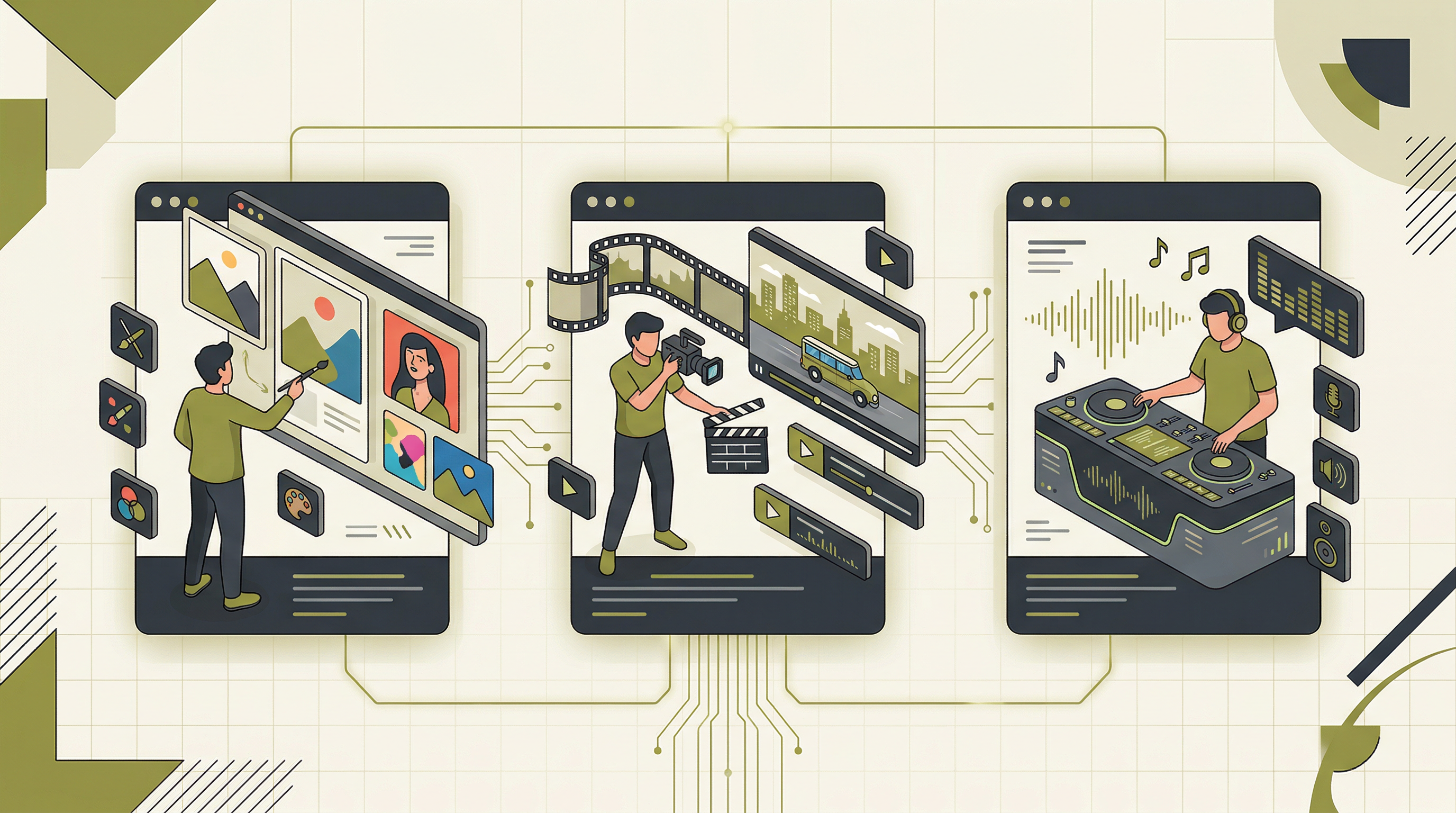
This illustration remains a quick map of the catalog's media lanes. The live hub below now covers image, video, music, and audio generation, with the newest AnyCap additions shown before the full capability comparison.
Latest additions
The newest AnyCap model additions and material capability updates, ordered by when they became usable through AnyCap.
Seedance 2.5
Video generationUpdated Aug 7, 2026
Video workflows that need text, image, first/last-frame, or multimodal reference inputs.
text-to-video, image-to-video, first-last-frame-to-video, multi-modal-reference
MiniMax H3 Max
Video generationUpdated Sep 8, 2026
High-quality video generation from text, a starting image, or controlled first and last frames.
text-to-video, image-to-video, first-last-frame-to-video
MiniMax H3
Video generationUpdated Aug 7, 2026
Video generation from text or image, video, and audio references through one model.
text-to-video, image-to-video, multi-modal-reference
Kling 3.0 Motion Control
Video generationUpdated Aug 5, 2026
Transferring motion from a reference video to a character in a reference image.
motion-control
Seedance 2.0 Fast
Video generationUpdated Aug 5, 2026
Fast text-to-video and image-to-video previews.
text-to-video, image-to-video
Doubao Seed Audio 1.0
Audio generationUpdated Jul 18, 2026
Speech, dialogue, sound effects, and complete audio scenes from text, audio, or image input.
text-to-audio, audio-to-audio, image-to-audio
Current model comparison
These are the current public models exposed through AnyCap. Credit ranges come from the same pricing inventory used on the pricing page, so the hub and pricing page stay aligned.
Image generation
Charged per call. Supports text-to-image and image-to-image modes.
| Model | Modes | Credits / call | Best for |
|---|---|---|---|
| Nano Banana 2 Lite | text-to-image, image-to-image | varies | Fast, cost-efficient drafts, variants, and high-volume visual iteration. |
| FLUX.1 Kontext Max | text-to-image, image-to-image | varies | Design-heavy image generation and contextual edits where prompt adherence, visual richness, and iterative refinement matter. |
| GPT Image 2 | text-to-image, image-to-image | varies | General-purpose image generation and image edits when the workflow benefits from OpenAI's multimodal image model family. |
| Qwen Image | text-to-image, image-to-image | varies | Bilingual or instruction-heavy visual work, especially when an agent needs a model associated with the Qwen multimodal family. |
| Nano Banana 2 | text-to-image, image-to-image | ~4 | Fast, scalable image generation and high-volume iteration. |
| Nano Banana Pro | text-to-image, image-to-image | ~7 | Targeted image editing and revision loops from an existing visual. |
| Seedream 4.5 | text-to-image, image-to-image | varies | Everyday image generation, image transformation, and iterative editing where stable structure preservation matters. |
| Seedream 5 | text-to-image, image-to-image | ~2 | Polished first-pass image generation from a text prompt. |
Video generation
Charged per second of generated output. Supports text-to-video and image-to-video modes.
| Model | Modes | Credits / sec | Best for |
|---|---|---|---|
| Seedance 2.5 | text-to-video, image-to-video, first-last-frame-to-video, multi-modal-reference | varies | Video workflows that need text, image, first/last-frame, or multimodal reference inputs. |
| MiniMax H3 Max | text-to-video, image-to-video, first-last-frame-to-video | varies | High-quality video generation from text, a starting image, or controlled first and last frames. |
| MiniMax H3 | text-to-video, image-to-video, multi-modal-reference | varies | Agent workflows that need text-to-video, image-to-video, or multimodal reference generation through one model and one CLI surface. |
| Kling 3.0 Motion Control | motion-control | varies | Transferring motion from a reference video to a character in a reference image. |
| Seedance 2.0 Fast | text-to-video, image-to-video | varies | Previewing, ideation, and high-volume video iteration when an agent needs faster turnaround. |
| Seedance 2.0 Mini | text-to-video, image-to-video, first-last-frame-to-video, multi-modal-reference | varies | Efficient video drafts with text, image, first/last-frame, or multimodal references. |
| Kling 3.0 | text-to-video, image-to-video, first-last-frame-to-video, multi-shot-video | ~9 | Cinematic motion and flexible image-to-video workflows. |
| Seedance 2.0 | text-to-video, image-to-video, first-last-frame-to-video, multi-modal-reference | varies | High-quality video with first/last-frame and multimodal-reference control. |
| Gemini Omni Flash Preview | edit-video | varies | Natural-language editing and refinement of existing footage. |
| Kling 3.0 Omni | text-to-video, image-to-video, multi-shot-video | varies | Flexible text, image, and multi-shot video generation. |
| Hailuo 2.3 | text-to-video, image-to-video | varies | Short narrative clips, expressive character motion, visual storytelling, and reference-image animation. |
| Kling O1 | image-to-video | varies | Product demos, stylized motion design, and image-conditioned clips where the source frame should drive the video. |
| Seedance 1.5 Pro | text-to-video, image-to-video | ~14 | Repeatable product videos, smooth image-to-video jobs, and production workflows that need a steady default. |
| Sora 2 Pro | text-to-video, image-to-video | varies | High-end narrative, cinematic, product, and realistic video generation when teams want an OpenAI video model through the same CLI. |
| Veo 3.1 | text-to-video, image-to-video | ~20 | Premium text-to-video output when the first pass needs to look stronger. |
| Veo 3.1 Fast | text-to-video, image-to-video | varies | Rapid creative iteration and preview generation when an agent wants the Veo family with faster turnaround. |
Music generation
Charged per second of generated audio.
| Model | Modes | Credits / sec | Best for |
|---|---|---|---|
| Mureka V8 | text-to-music | varies | Songwriting, vocal-oriented drafts, and audio content production when an agent needs an alternative to Suno or ElevenLabs Music. |
| Suno V5.5 | text-to-music | varies | Current Suno music generation workflows, complete track drafts, vocal concepts, and high-iteration song ideas. |
| ElevenLabs Music | text-to-music | ~1 | Prompt-based soundtrack drafts inside the same agent runtime. |
| Suno V5 | text-to-music | varies | Structured songs, vocal demos, and full-track concepts that need lyrics, mood, and arrangement guidance. |
Audio generation
Charged per successful generated output from text, audio, or image input.
| Model | Modes | Credits / call | Best for |
|---|---|---|---|
| Doubao Seed Audio 1.0 | text-to-audio, audio-to-audio, image-to-audio | varies | Speech, dialogue, sound effects, and complete audio scenes from text, audio, or image input. |
Image generation
Video generation
Music generation
FAQ
How do I choose between Seedream 5, Nano Banana Pro, and Nano Banana 2?
Use Seedream 5 when the workflow needs a stronger first-pass image from a prompt, Nano Banana Pro when the job starts from an existing image and needs revisions, and Nano Banana 2 when speed, throughput, or repeated iteration matters more.
How do I choose between Veo 3.1, Kling 3.0, and Seedance 2.5?
Use Veo 3.1 for story-driven text or image briefs, Kling 3.0 when first/last-frame transitions or multi-shot control matter, and Seedance 2.5 when the workflow needs text, image, first/last-frame, or multimodal reference inputs through one model. Confirm the exact mode in the live schema before generating.
Do all AnyCap models use the same CLI and auth flow?
Yes. AnyCap exposes these models through the same capability runtime, CLI, and auth flow, so teams do not need a separate provider integration path for each model page listed here.
What are the newest model updates in AnyCap?
As of August 28, 2026, Seedance 2.5 and MiniMax H3 are featured current video additions in the AnyCap catalog. This hub orders updates by verified AnyCap availability or material capability change, not provider announcement date.