Model
Last updated April 5, 2026
Seedream 5 (ByteDance)
for AI agents
Seedream 5 is ByteDance's 2026 AI image generation model. It's a strong default when an agent needs image generation through AnyCap. The model fits workflows where the agent starts from a text prompt and needs a polished visual result without custom provider integration. With AnyCap, agents can call this ByteDance image model through the same CLI they use for other multimodal capabilities.
Generated example
Generated example for a polished first pass
This page now shows a real Seedream 5 output generated through AnyCap. The brief aims for the kind of launch-ready product framing teams usually want before revision loops start.
Seedream 5 output
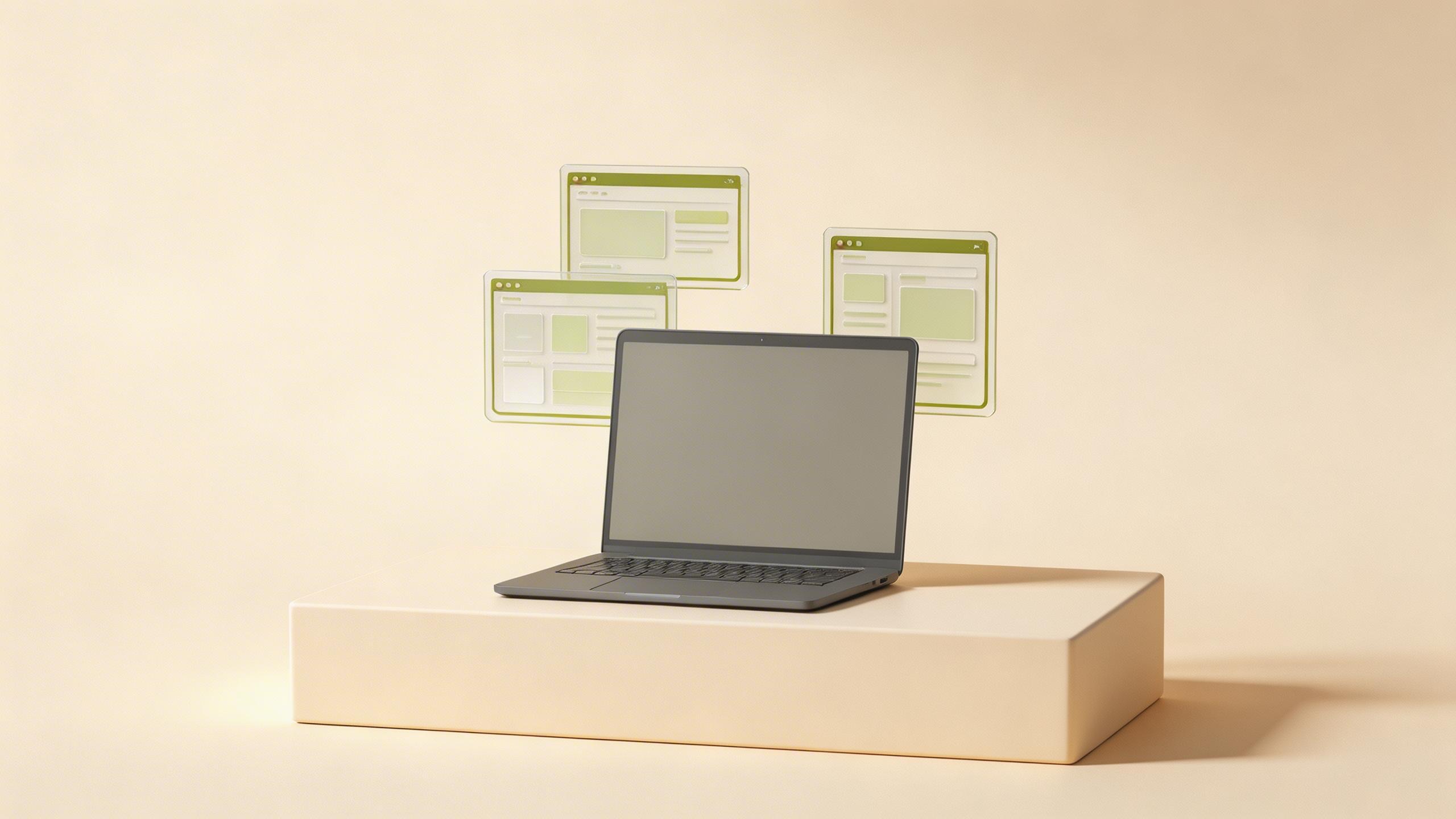
Prompt used with AnyCap
premium SaaS product hero scene, matte graphite laptop on a warm off-white pedestal, floating translucent interface cards, subtle olive green accents, soft studio shadows, editorial lighting, crisp composition, premium marketing art, no readable text, no watermark
Why it helps this page
- Shows the cleaner first-pass composition Seedream 5 is meant to deliver from a prompt alone.
- Makes the page's main claim visually testable: polished output without a separate provider workflow.
- Adds original multimedia that supports E-E-A-T and makes the page easier for readers to scan.
This visual was generated with Seedream 5 through AnyCap for this page, giving the guide a first-party example instead of stock art.
Why this model page matters
Guide to using Seedream 5, the 2026 AI image generation model from ByteDance, through AnyCap when AI agents need polished first-pass image generation in a capability runtime.
A dedicated model page helps teams decide whether this model belongs in the workflow before they start wiring prompts or capability calls into an agent task. That is especially useful when several adjacent models can appear to solve the same problem but differ in motion quality, style fit, editing strength, or operational tradeoffs.
When agents should choose Seedream 5
- Marketing graphics and launch assets
- Product mockups and concept frames
- Editorial visuals and social thumbnails
- Brand-consistent visuals where the agent needs predictable framing
- Workflows that need a polished image output on the first pass without an editing loop
Seedream 5 specs at a glance
| Output | Single image, up to 2K resolution |
|---|---|
| Modes | Text-to-image, image-to-image refinement |
| Strengths | Polished marketing-grade composition, clean studio lighting |
| Editing | Pair with Nano Banana Pro for targeted edits after generation |
| Style fit | Product, editorial, brand visuals — less effective for stylized illustration |
| AnyCap CLI | anycap image generate --model seedream-5 |
Call Seedream 5 through AnyCap
Generate a new image
anycap image generate --model seedream-5 --prompt "a product hero shot on a neutral background"
List available image models
anycap image models
Seedream 5 vs Nano Banana 2 vs GPT Image 2
These models are all active in the current AnyCap image catalog. Seedream 5 is a practical choice for polished image generation and refinement, while Nano Banana 2 and GPT Image 2 fit adjacent workflows. Agents can switch with one CLI flag in AnyCap.
| Dimension | Seedream 5 | Nano Banana 2 | GPT Image 2 |
|---|---|---|---|
| Best fit | Marketing, product, brand visuals | Fast iteration and high-volume variants | General-purpose OpenAI image generation and editing |
| Style fidelity | Strong on clean studio looks | Good for rapid concept exploration | Useful when the workflow prefers the OpenAI image family |
| Iteration loop | Pair with Nano Banana Pro for edits | Good for fast batches and image-to-image iteration | Supports text-to-image and image-to-image through AnyCap |
| Cost band | Mid | Mid | Higher |
| AnyCap CLI | --model seedream-5 | --model nano-banana-2 | --model gpt-image-2 |
Seedream 5 vs nearby choices
| Dimension | Seedream 5 | Alternative |
|---|---|---|
| Best fit | Polished first-pass generation for marketing, UI, and clean visual concepts | Nano Banana Pro is a stronger fit when the workflow needs iterative image editing |
| Workflow role | Primary generation model | Use Nano Banana Pro after generation when the agent needs targeted edits |
| Typical agent task | Turn a prompt into a finished visual asset | Use a sibling model when the task starts from an existing image |
FAQ
What is Seedream 5 best for?
Seedream 5 is best for first-pass image generation when an agent needs a polished result directly from a text prompt — marketing assets, product mockups, editorial visuals.
How do agents call Seedream 5 through AnyCap?
Agents call it with the AnyCap CLI using anycap image generate --model seedream-5 and a text prompt. Same auth and CLI as every other capability.
Should I use Seedream 5 or Nano Banana Pro?
Use Seedream 5 for new image generation from a text prompt. Use Nano Banana Pro when the workflow starts from an existing image and needs targeted editing.
Seedream 5 vs Nano Banana 2 — which is better?
Use Seedream 5 when the brief needs a more polished first-pass image or controlled visual refinement. Use Nano Banana 2 when the workflow needs faster iteration, more variants, or lower-latency image generation at scale.
Does Seedream 5 support image-to-image refinement?
Yes. Seedream 5 supports image-to-image refinement when an agent has a source frame to evolve. For pixel-level edits, hand off to Nano Banana Pro after generation.